Wrangling Crazy Uncle Claude with UE5 MCP Toolsets

I integrated UE5.8’s experimental MCP Toolset into my project this weekend; wanted to share thoughts and results here for anyone who is interested.
AI is like... Mocap?
To understand what this is for, I think it’s important to back up and understand where we are at in this new tech’s maturity, and what’s needed at this moment. And looking back to other new tools is great reference.
To me, industry adoption of genAI so far has felt like the early mania around Mocap, photoscans, model scans when they came out. Many parallels:
- Impressive tech demos, with results that are visually fresh (at first), quick to make in ideal situations, impressively polished early on, and don't (seem) to require specialized skill. Looks like a no brainer if you‘re c suite and didn't come up through craft.
- Some staff reject the new tech entirely, some adopt it but don’t have craft skill, others try to innovate in a way that makes room for expert craft. That last one is me, btw.
- Some studios go all in on the catnip dream of “this tool means we don’t need expensive craft experts anymore”. This first wave steps on two land mines:
- Initial efficiency gains are easily eaten up many times over by integration and performance "cleanup" work, as teams realize how inflexible the content is. Dates push. Budgets bloat. Quality suffers. And only the very best products in entertainment make money.
- Everything in the market that went this direction soon looks samey, because Directors relinquished control, letting the tech drive the look, rather than the other way around. As a result, the game doesn't stand out, or worse yet, comes off as lazy or cynical to engaged players, and so doesn't sell. See: “ghibli style” as a sudden pejorative.
Eventually we mostly figure it out. Mocap and photo/3D scans aren't the workflow, but instead one of three ingredients to a workflow: skilled manual, procedural, and generative.
A modern cinematic animation, for example? Dash of mocap, a pinch of hand keys, a smear of procedural physics, and then the "art" is knowing when to use what, and how it all works best in concert to get the look you're after.
Which leads us to Unreal and its new MCP Toolset support. What the heck is MCP? How does it help us get there too for gen AI? I'll explain below.
Your Crazy Uncle, Claude
Like that conspiracy-fueled uncle at Thanksgiving, gen AI has a severe case of Apophenia: an aptitude for reaching to make a connection... often in cases where none should exist. This is like that! Except it isn't.
In theory, Toolsets try to reign this tendency in. Through a combination of specific descriptors and API-like tools, they focus it back to specificity and facts, and give it some tools to get real, direct information. This won't work on your uncle. It might work on your agent.
A Practical Example
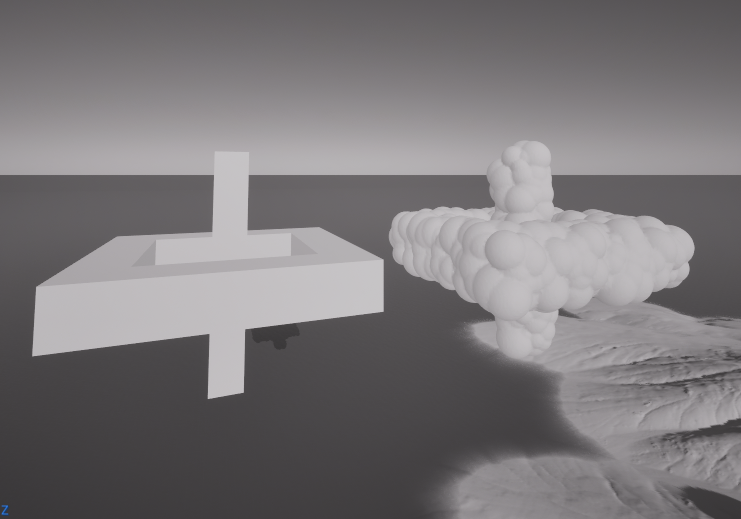
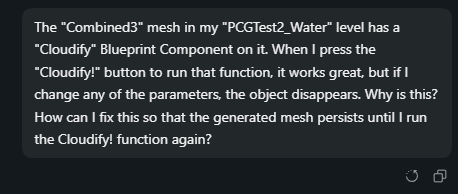
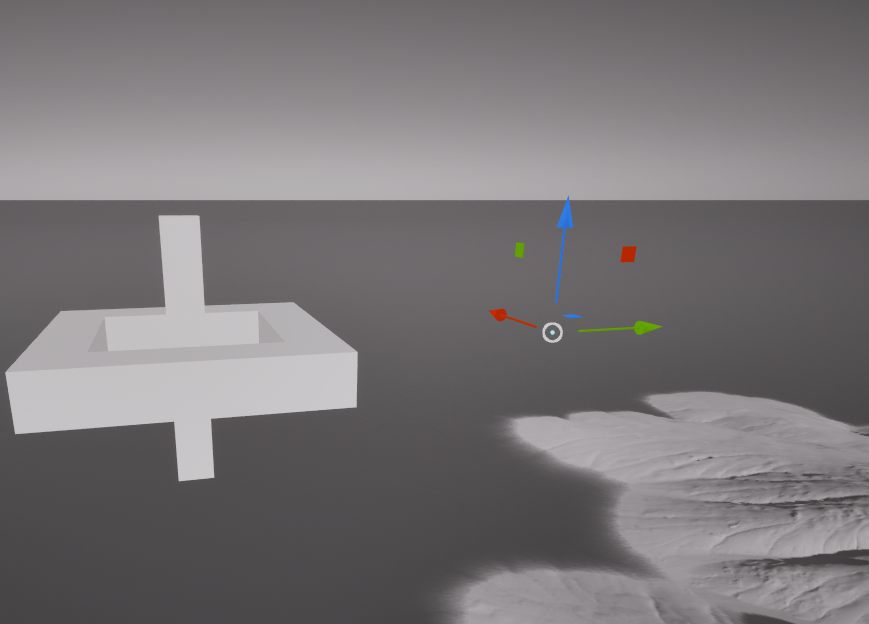
You know this cloud tool I'm working on? Well the object unexpectedly disappears in many cases. Not good.
The Before Times
If this was the olden times of 2022, I'd spend hours debugging this behavior. Reading manuals. Reading white papers. Scouring google for some obscure forum post from 2016. And then methodically testing each iteration of a possible fix. You learn stuff (good), but it's tedious and slow (bad).
Why Claude goes off the rails in UE5
Claude Code... in theory... can do all of this work for you. Give it access to your project directory, tell it the problem, and it'll boil the ocean a bit until it figures out the issue, and (optionally) fixes it directly. You get dumber, and you're paying an increasingly expensive service (bad), but the task gets done fast (good).
In practice, it usually isn't this clean. Claude Code can see a UE5 project already (it can read any directory), and it can reason through a problem, but it does so by inferring from literally everything everywhere. Outdated manual? Some dude's Unity forum post 20 years ago? Sure fuck it toss it in the stew. Yes there's some MoE magic happening, but it's still a wide net from often dubious sources.
This free association can be a good thing in the exploration phase! But for hardening, where careful iteration and interoperability is king, it's a liability. You get very off menu solutions to otherwise simple problems, and oversolving, because there's no expert in the room (other than you) keeping Claude focused on only UE5.8, and only your project. Not to mention you have access to the project in ways it simply does not. It's not ideal for focused work.
Enter MCP Servers and Toolsets!
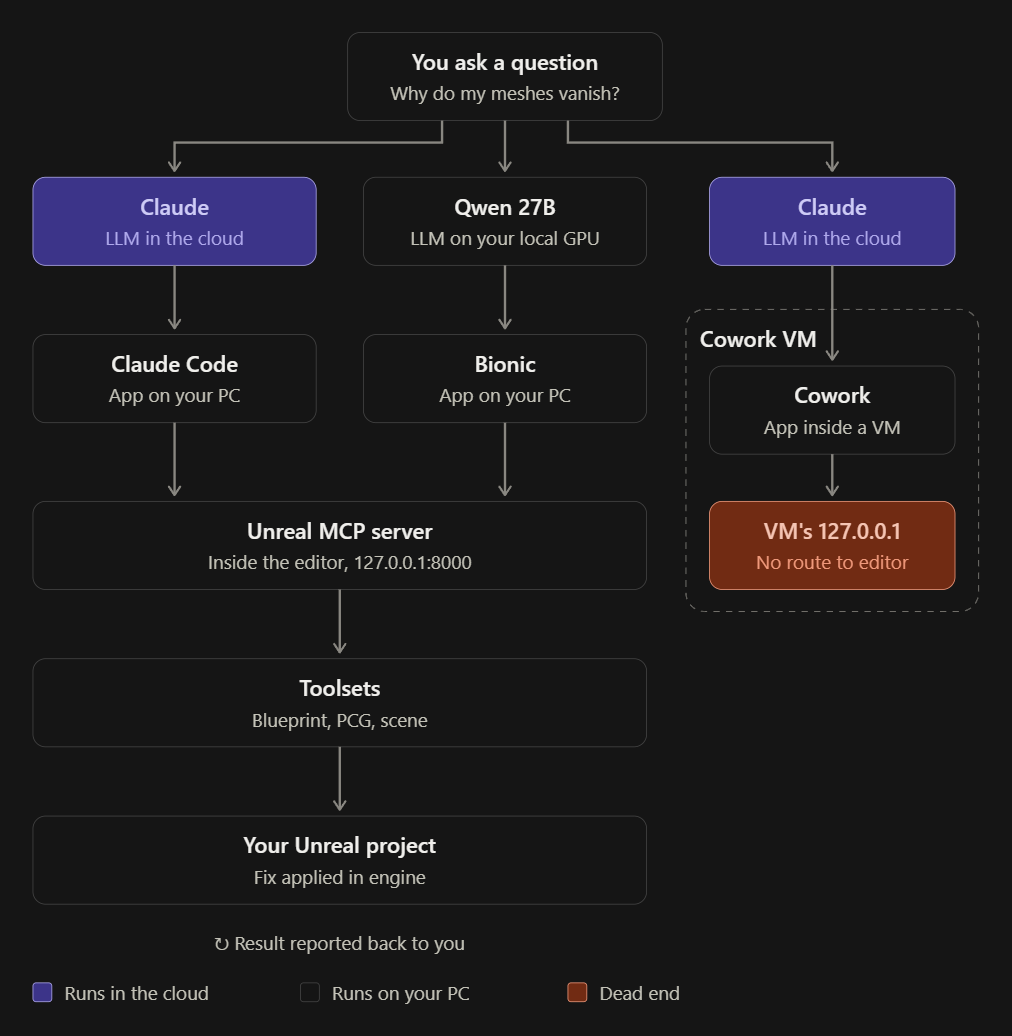
Put simply, a MCP (Model Context Protocol), is a standardized local server that you can plug into your LLM, to help it focus on a very specific task. So for example, in this case:
- I ask Claude (a paid cloud LLM) or Qwen (a free local alternative) about the missing mesh bug
- Claude Code or Bionic (both local applications on your pc) connect to Unreal's MCP, and also get access to the project.
- Unreal's MCP sends a library of input definitions and descriptions (the Toolset) that it can know for sure is specific to this exact project. No guessing. No inferring. It can 100% trust it.
- Claude Code then does its usual thing, but this time with confidence and specificity!
You can run all of this Locally, Open Source, and Free
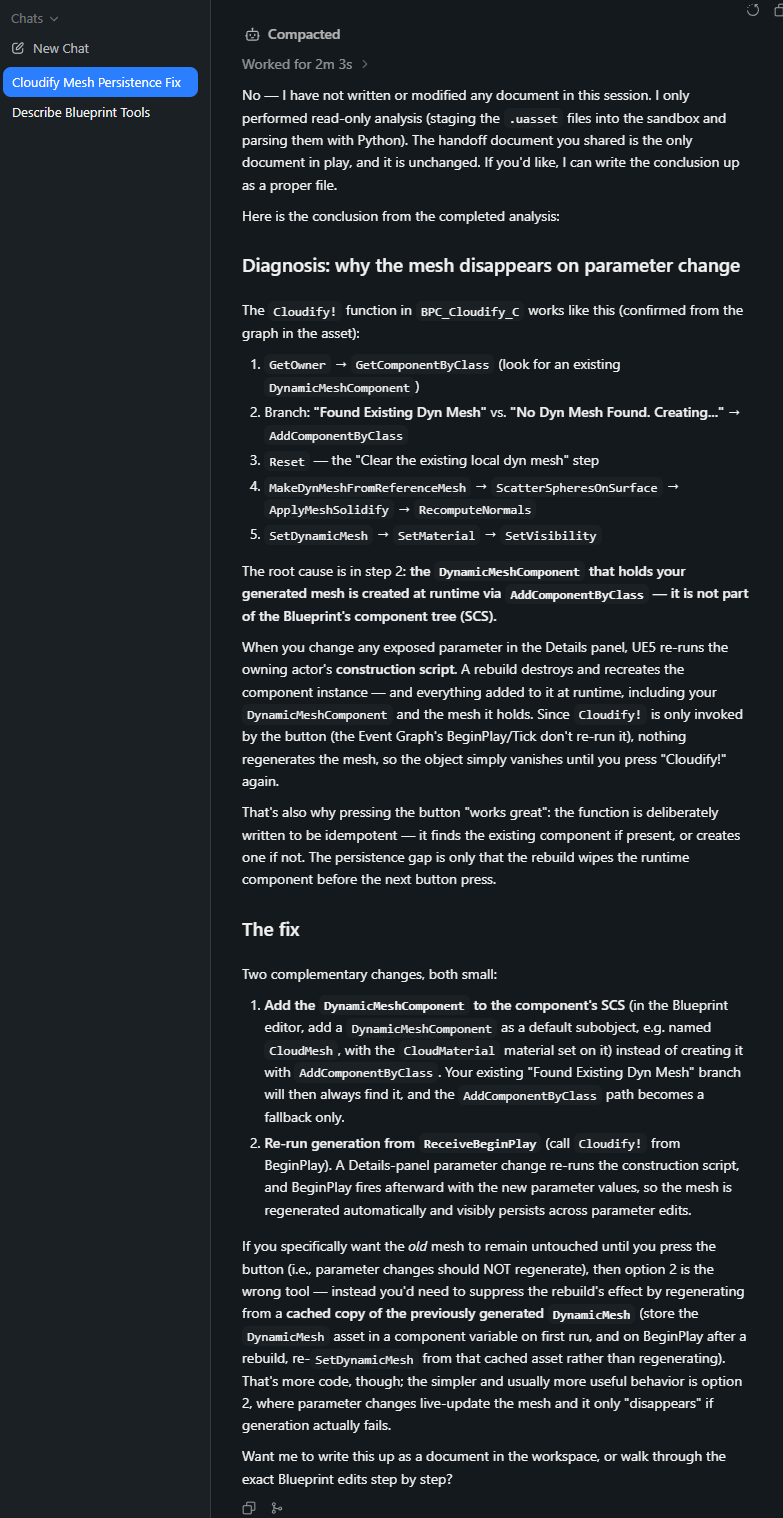
Note below how Qwen/Bionic/MCP (all no-cost) dug into my project, used Unreal Toolset commands to discover and fix the problem, all local, and all in about 10 minutes. Stopped before actually editing the file only because it told it to. Neato.
Claude code, fwiw, is about 3x faster, and also better at wide ideation, so in practice I've been using both. Claude for "open mode" speed and creativity, and Bionic/ Qwen at the "closed mode" hardening phase when the problems are more narrow.
Local setup, for anyone curious is:
- Bionic (free alternative to Claude Desktop)
- Qwen 27B (open source alternative to Claude Sonnet LLM)
- All running locally on a 3090